Fan2Fan
From fan to fan, with the security to buy and sell tickets.
When tickets sell out, where can you safely find another one?
When I tried to buy a ticket for a sold-out event, I had to turn to third parties. Talking to other people, the same pattern kept showing up: the ticket was there, the trust wasn't.
Fake ticket
Does this ticket even exist?
Unknown seller
Does this person really have the ticket?
Unsafe payment
What if I pay and never get it?
No follow-up
What happens after I pay?
Discovery on three fronts
Personal experience
The problem came from a real purchase of a sold-out ticket.
Exploratory conversations
People aged 25 to 35 who had bought or sold tickets from third parties.
Benchmark
Ticketing platforms and peer-to-peer marketplaces.
Insight. The fewer steps between users and their goal, the better, as long as security isn't compromised.
How do you turn a deal between strangers into a trustworthy experience between fans?
Two users, two goals
Lucas
Looking for a ticket to a sold-out event. Needs to find it fast, know it's legitimate and follow the transfer.
Mariana
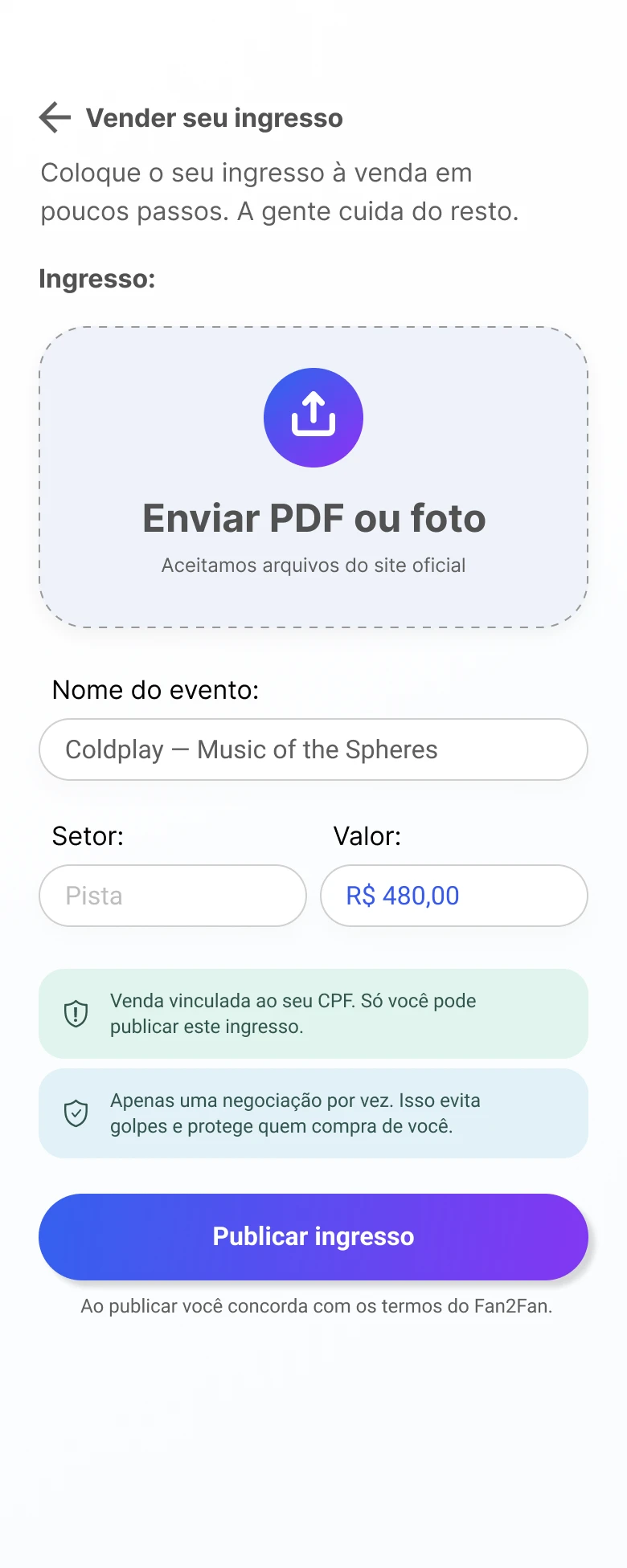
Has a ticket she won't use. Wants to list it easily, prove it's valid and get paid safely.
Short journeys, end to end
Buying · Lucas
No tickets available? The user gets notified when a new one is listed.
Selling · Mariana
Payment is released after the buyer checks in, or 2 days after the event.
Security as a system, not as a feature
Each mechanism answers one of the frictions in the problem.
ID (CPF)
Identifies the user and links the ticket to them.
Validation
Tickets are verified before going on sale.
Payment held
Released only when the transaction is completed.
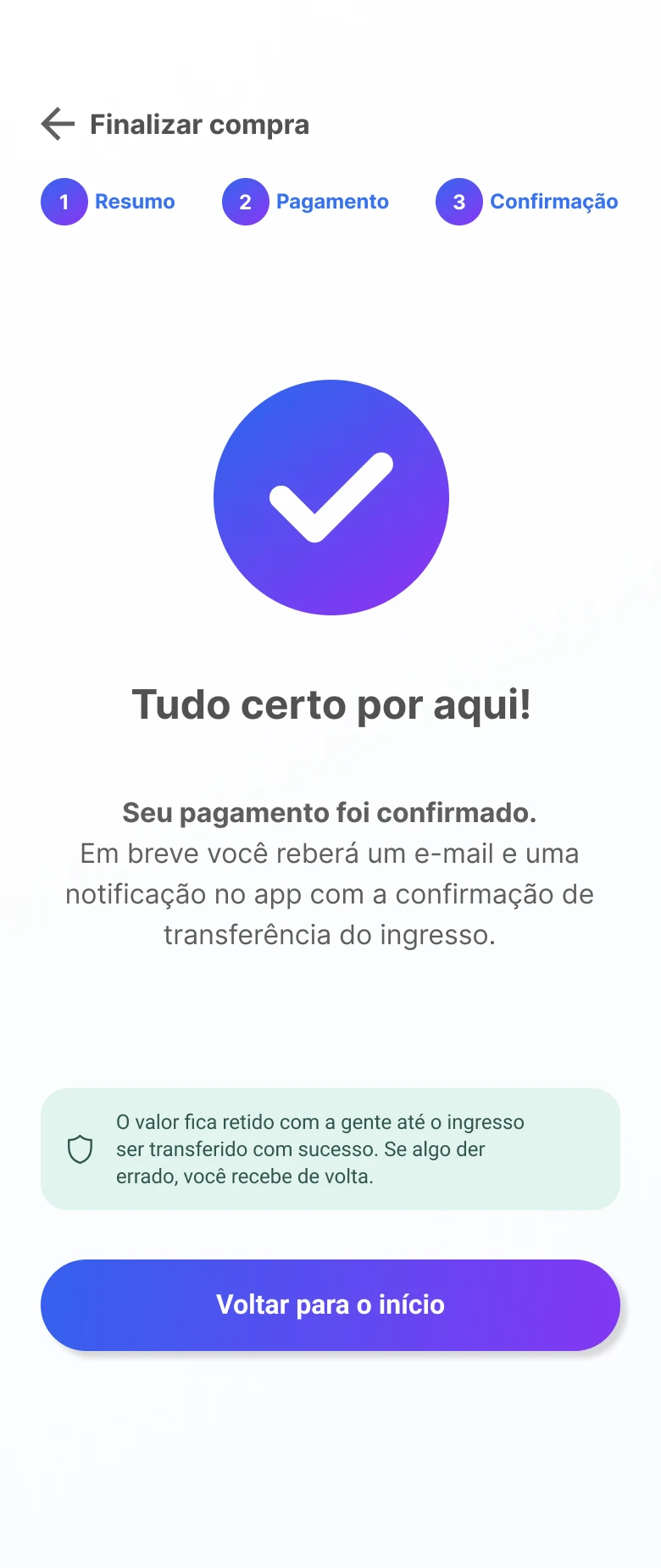
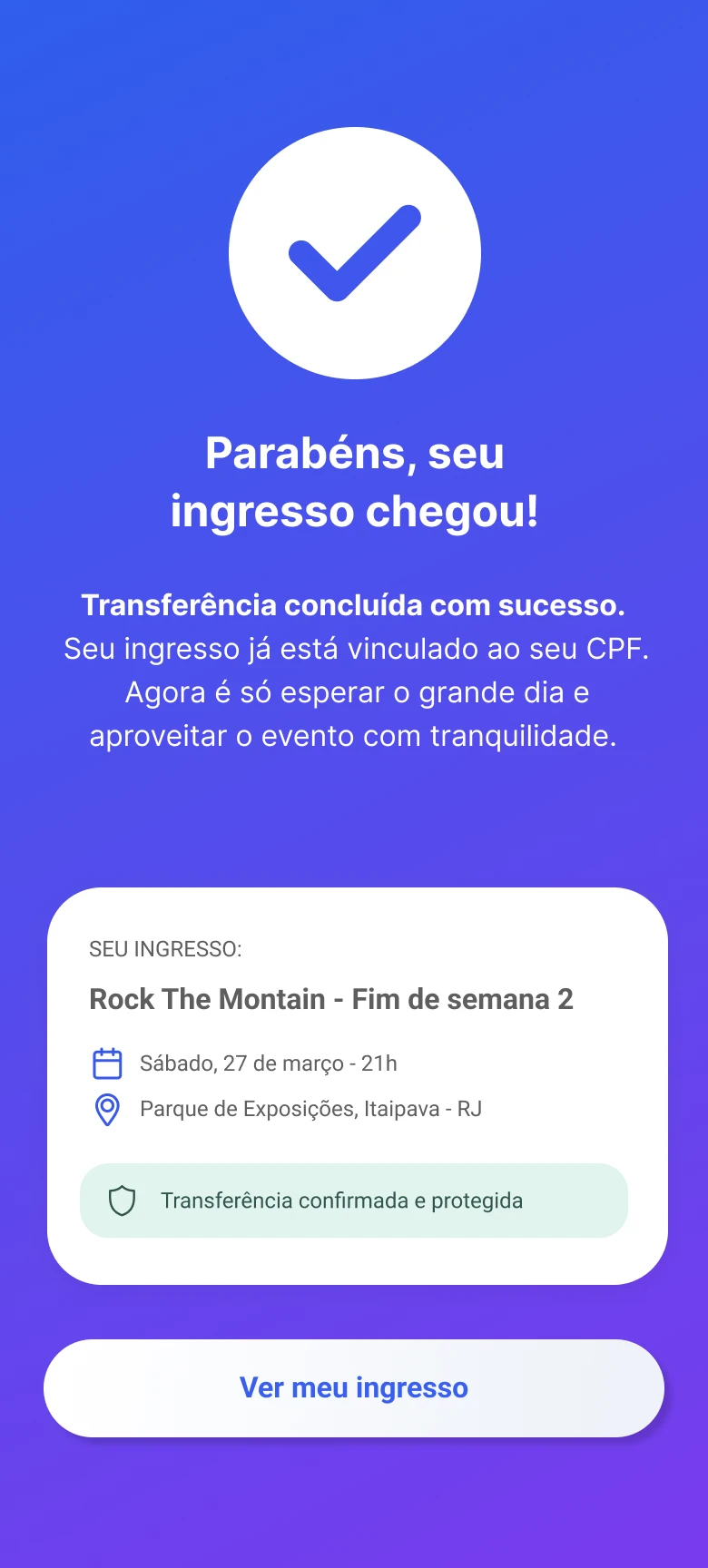
Step-by-step feedback
Status visible throughout the deal.
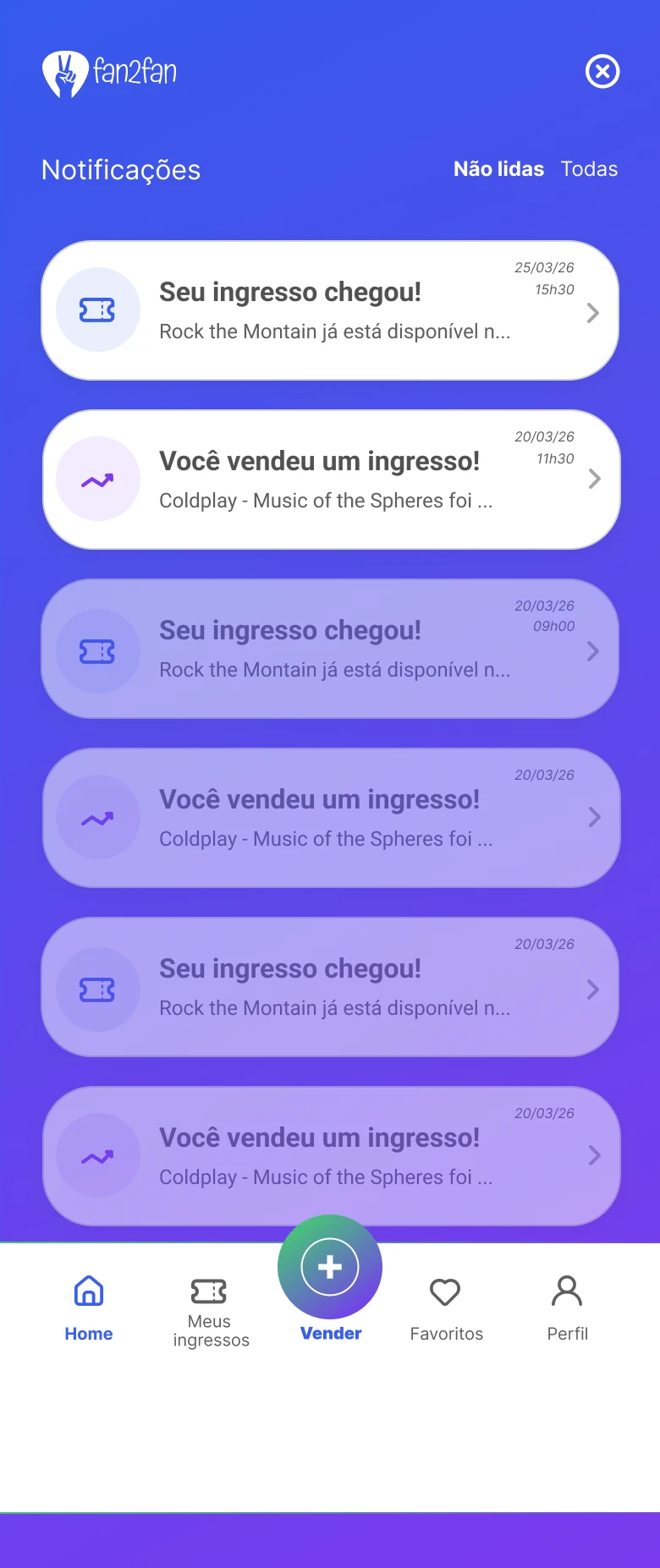
Notifications
In the app and by email.
Wallet
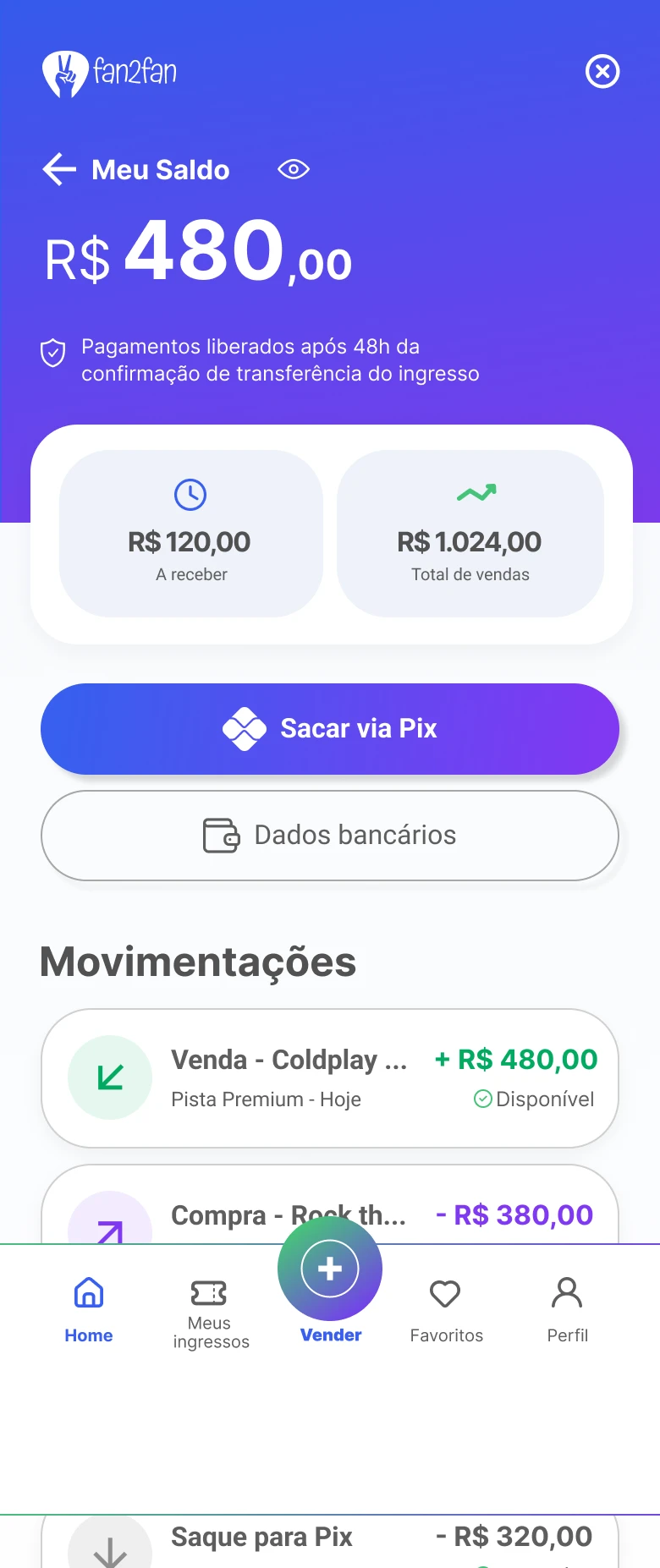
Balances, payments and status in one place.
Limit per ID
Curbs scalping and keeps it fan to fan.
Product map
Home / Feed
Nearby events · geolocation
Search
Price · date · location
List a ticket
Selling journey
My tickets
Purchased · in transfer
Wallet
Balances · status
Profile
Account · notifications
Young, digital and trustworthy
Name
The “2” in Fan2Fan stands for the two sides of the deal and sounds like “to”: fan to fan.
Colors
Typography
Aa
Inter, an organic sans serif: technological, yet human.
Buttons
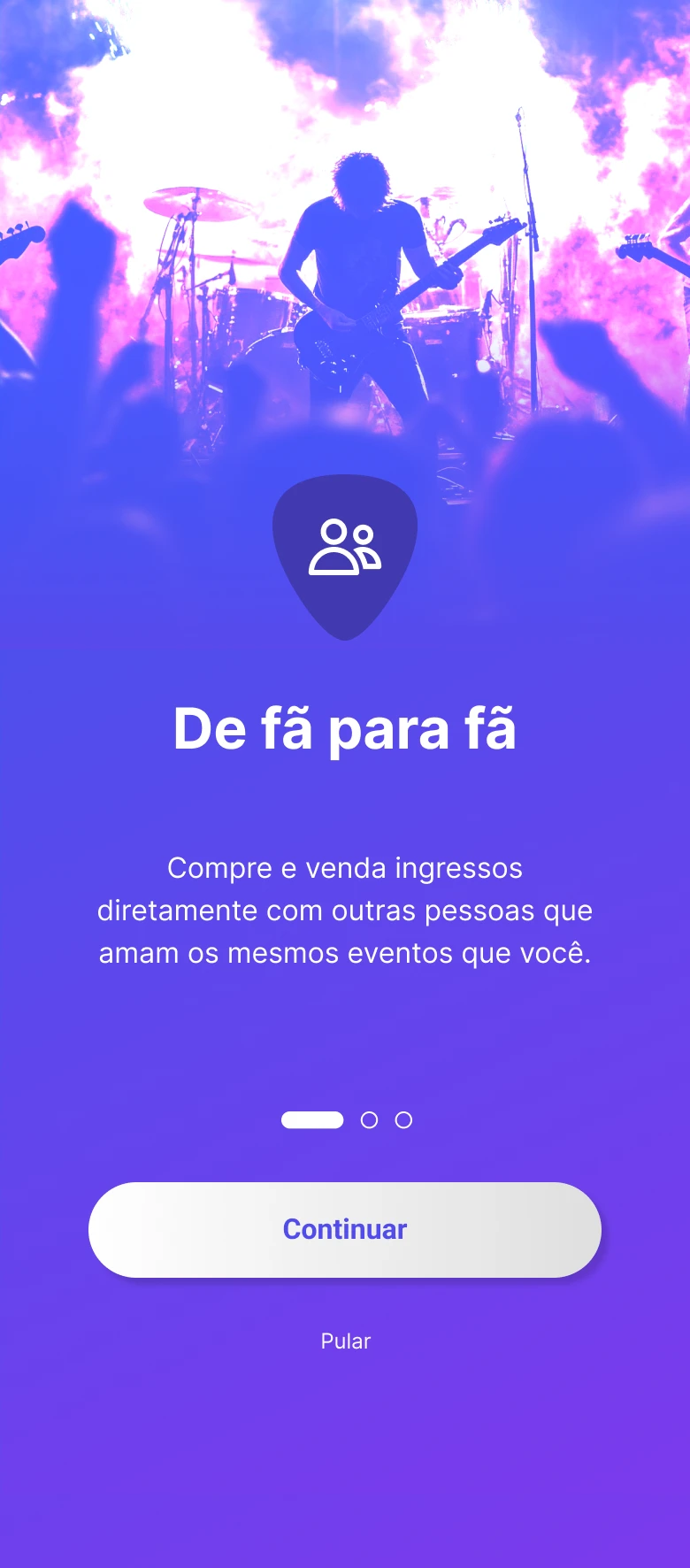
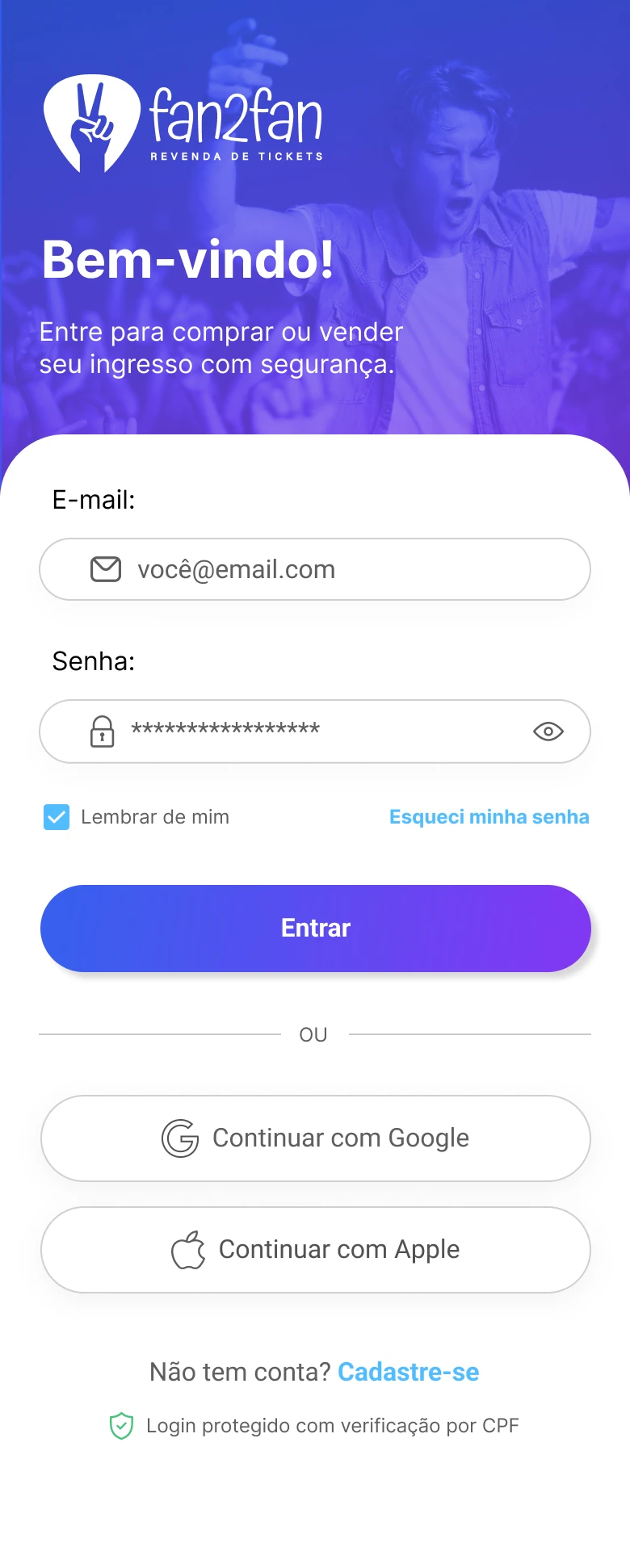
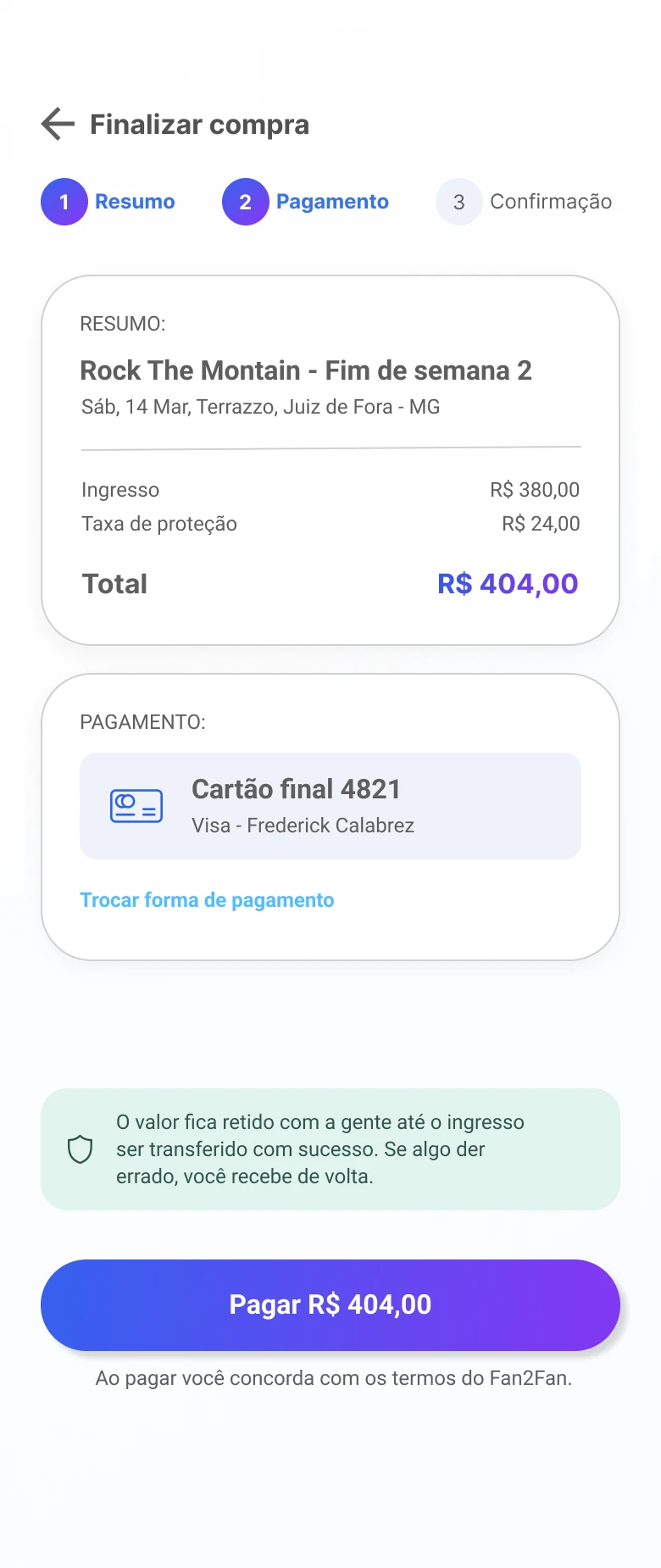
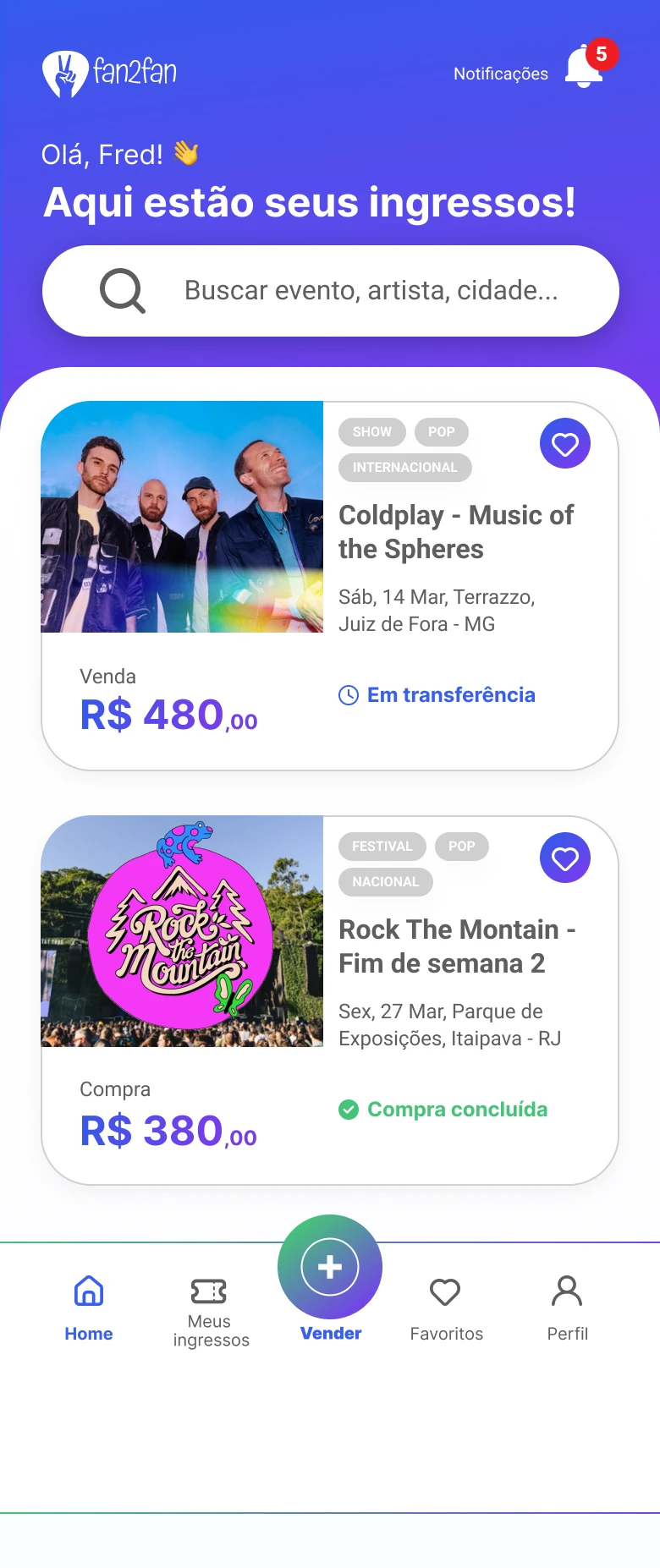
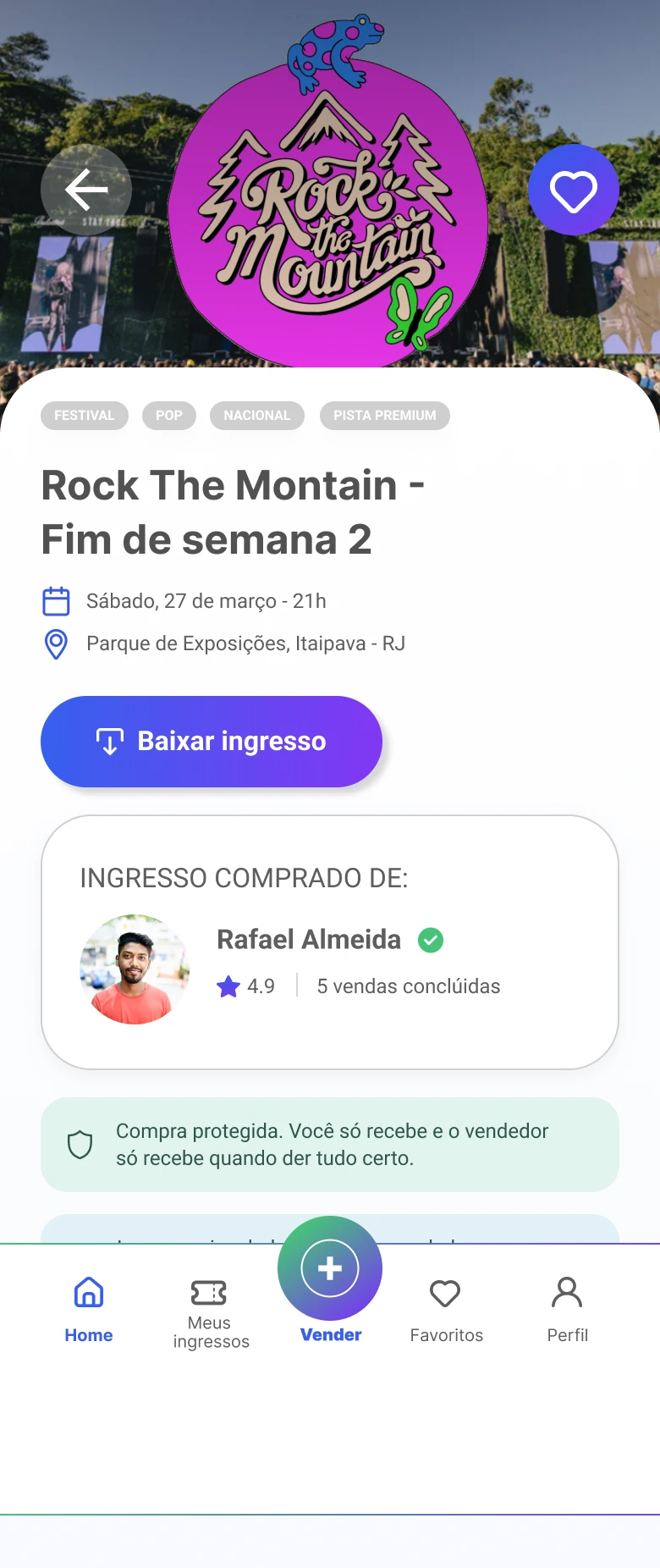
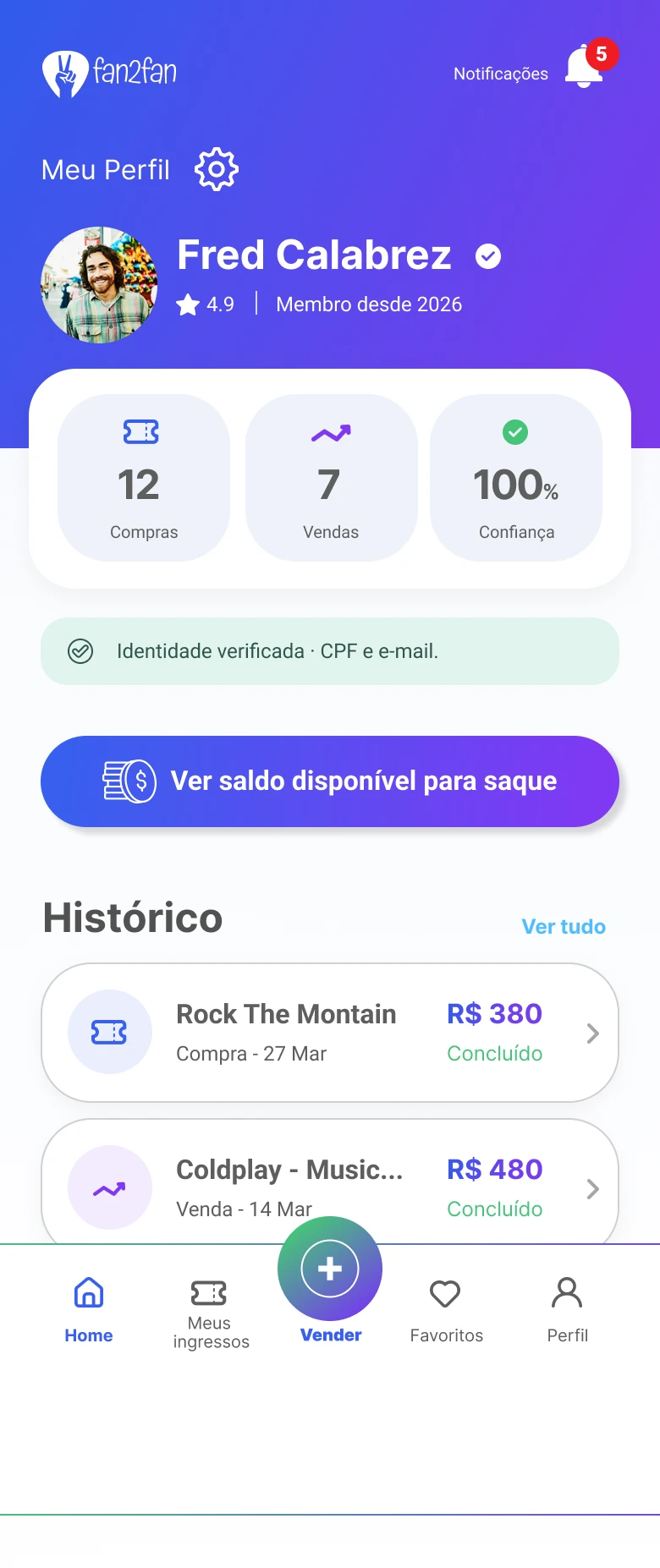
Decisions on screen
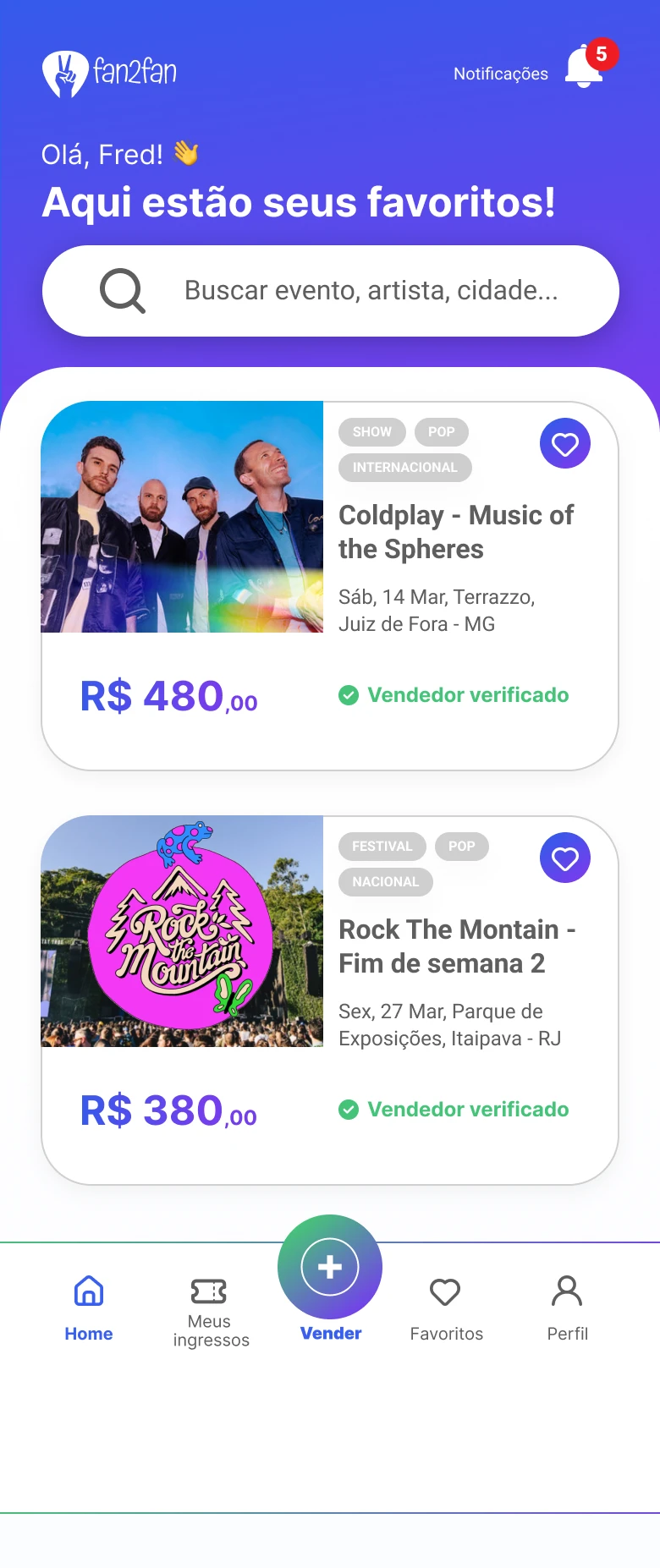
01 · Discovery
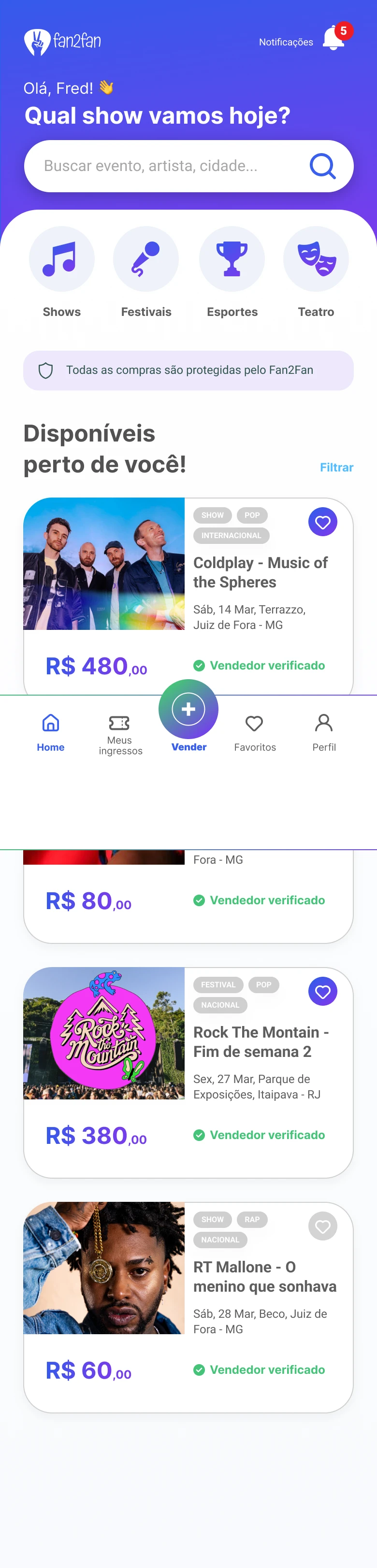
A geolocated feed with familiar event cards. Decision: clear CTAs to reduce navigation effort.
02 · Buying and selling
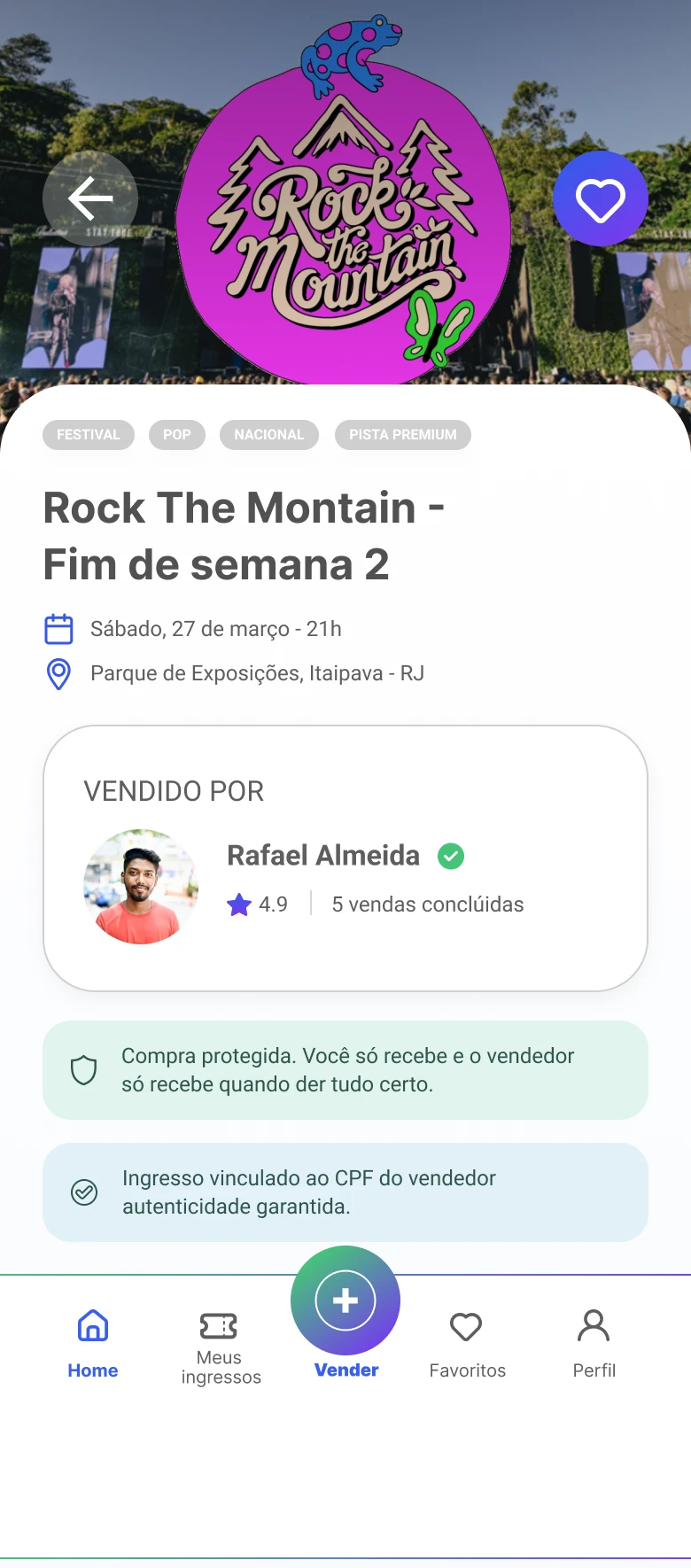
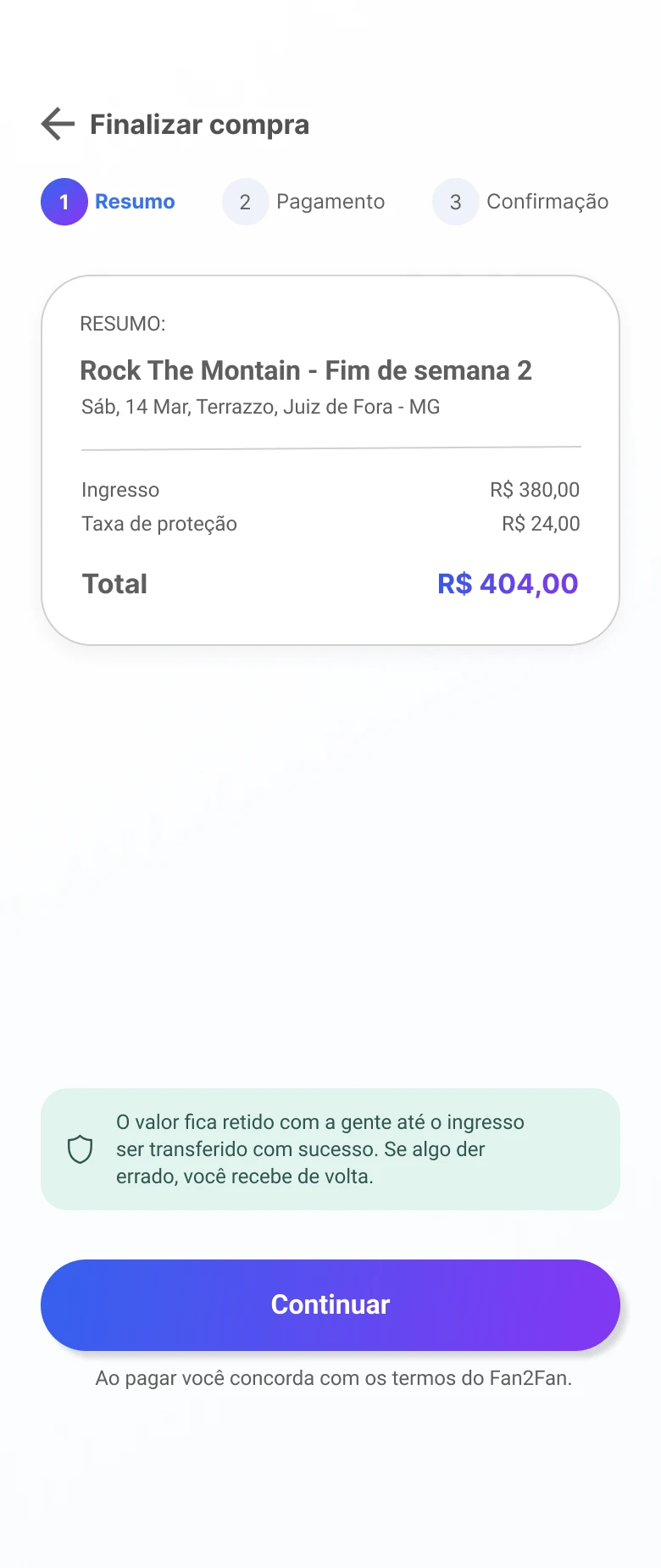
One main action per screen. Decision: fewer steps without hiding important information.
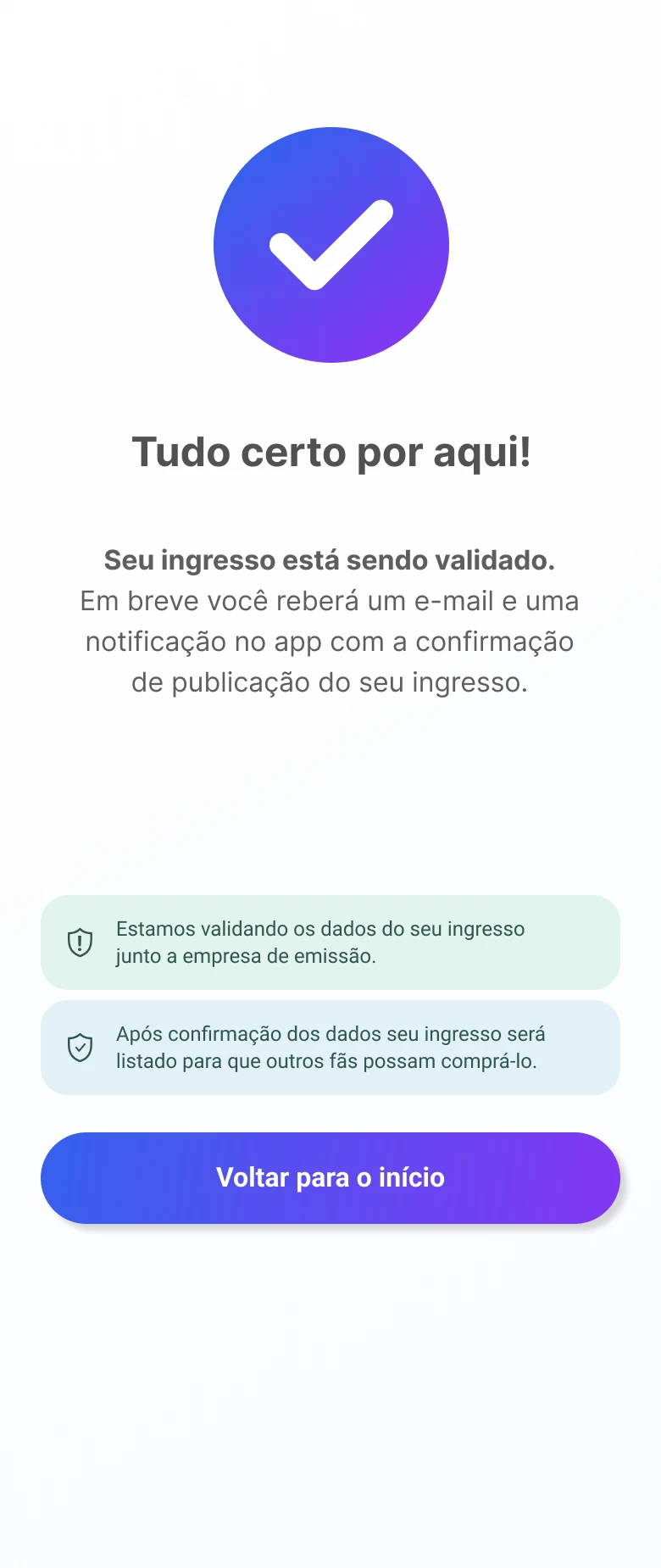
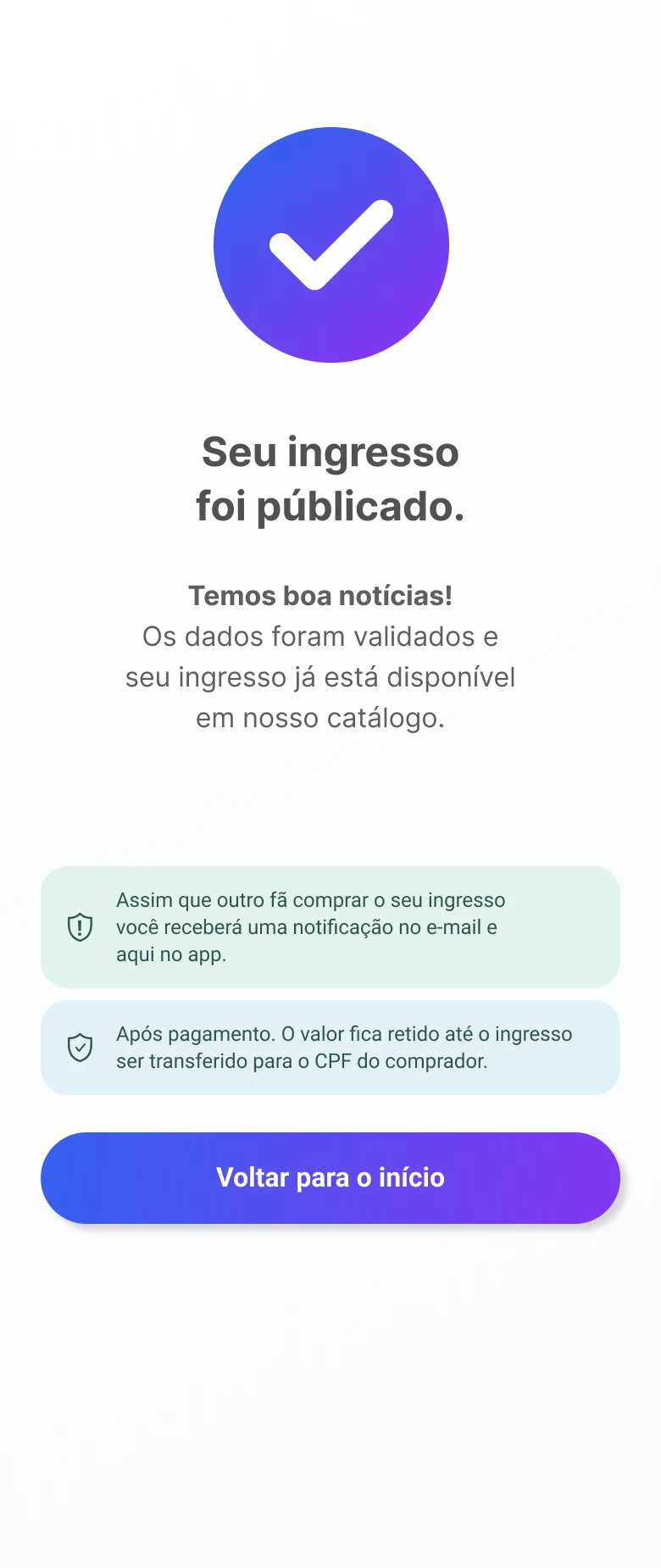
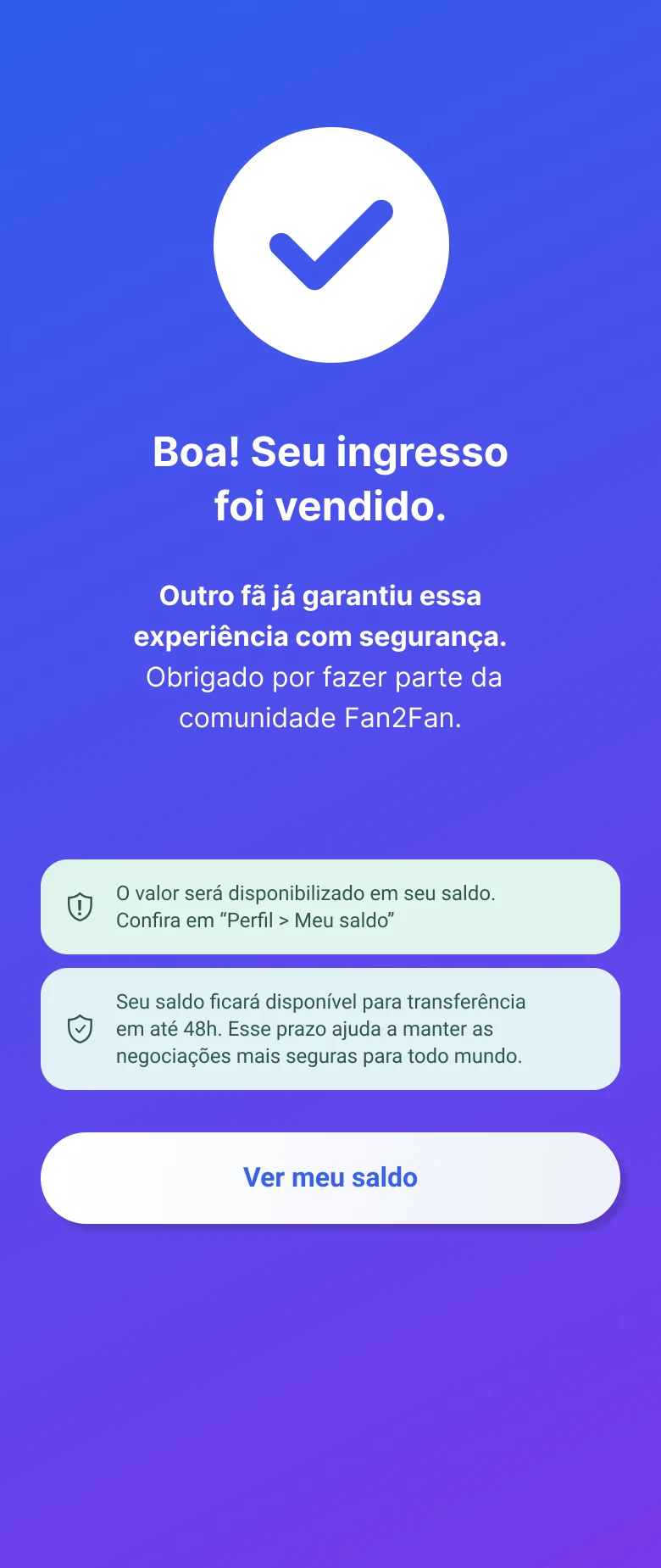
03 · Wallet and My tickets
Control after payment: balances, status, amounts to receive and tickets in transfer. The thinking goes beyond the checkout screen.
What testing showed
Usability testing with users aged 25 to 60: buy and sell a ticket.
Everyone completed both journeys.
Older users took longer to find the sell action.
A bigger button, an accent color outside the palette and more prominence, with no new steps.
How we would measure success
The product wasn't launched, so these are proposed indicators, not results.
Sign-ups
User acquisition
Listings
Supply on the platform
Purchases
Actual marketplace use
Business model
A 10% fee per transaction, split transparently.
What I'd do differently today
Research
A larger, more diverse sample, with stronger insights before prioritizing.
Design system
Turn the visual patterns into a Figma library: components, variants and states.
A good interface is only part of the solution: every decision has to remove a real friction.